
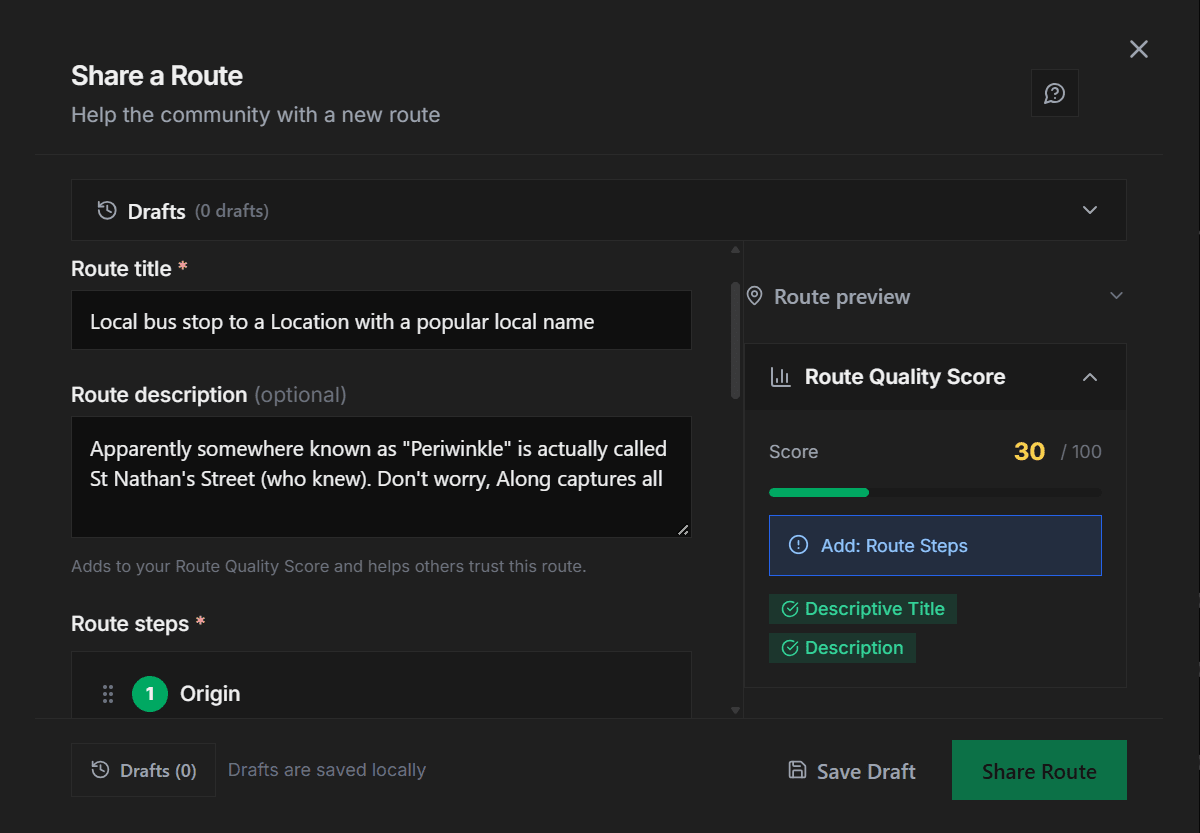
Capturing Local Location or Bus Stop Names
A detailed post describing the capturing of local location names when posting Routes.
Hello traveller
You're uploading a route and typing in the local location names in the input, but nothing's popping up for your location. You're probably wondering what's wrong, right? Well let's break it down for you.
Along doesn't provide the maps or location data used on this platform, but we source from some of the best sources that are community-vetted to get the closest thing that can capture local names. This implies that when you're posting a route and in a stop you want to get a location, the best way will be to actually be there and capture the current location. The next best thing is actually searching via the recognized name of that location and selecting something if you see it.
So How Can Local Names be Captured
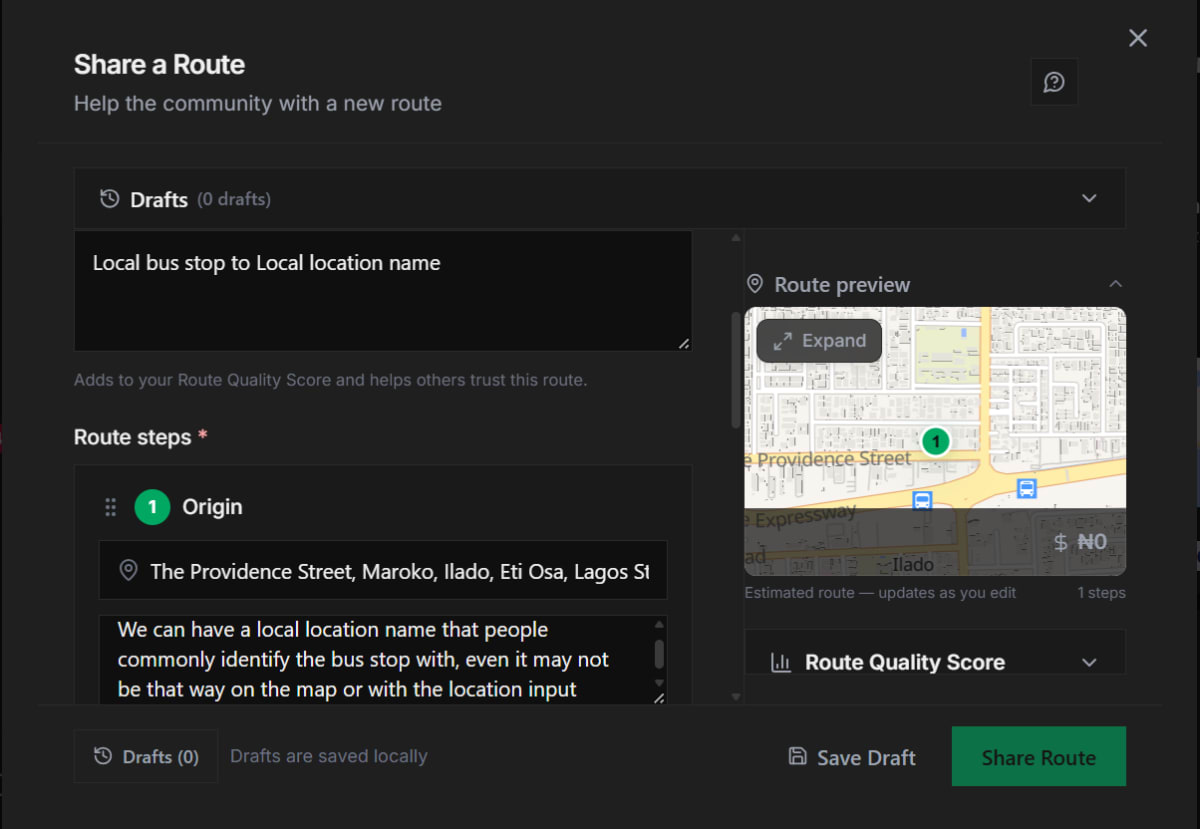
Let's be frank, the locations only really relate to the map, and we encourage users to try their best to have accurate mappings as that's what powers the navigation route guide which is a really helpful feature. However, the text data is arguably more important. Route titles, descriptions and tags can be used to capture the local route names and users will relate with those first and even more than the map and exact location data
The search engine and explore search will also bring up results for local names or bus stops that exist in a post's text data. You can play your role in populating the platform with routes capturing local names.